
Notes and tools
MCP on Cinema 4D is saving me £400 a year already
Managing renders with Cinema 4D has always been a bit of a pain, which is annoying because it actually has some excellent features, such as Team Render Server. Team Render Server enables you to render on one device while still using Cinema 4D on another machine. If you need Redshift GPU, however, you do need a specific Redshift GPU render licence on every machine you are using.
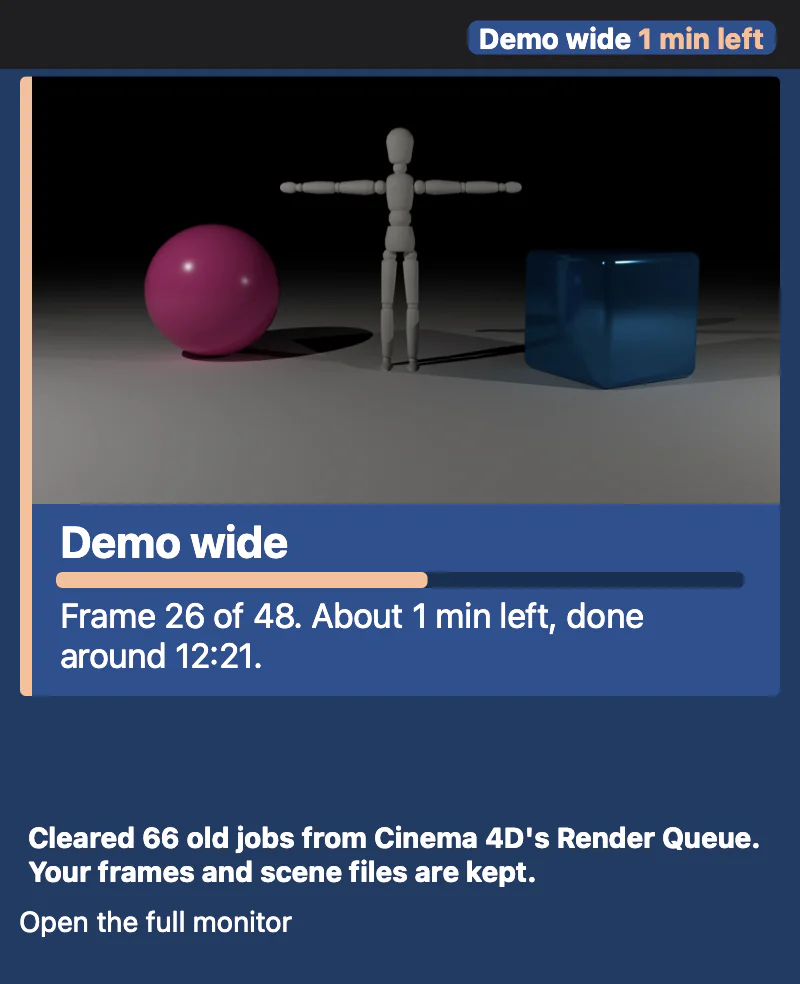
For the past decade, I've been using Thinkbox Deadline to manage all of my local renders across multiple machines within my network. However, thanks to MCP access to Cinema 4D and the ability to use Cinema 4D's render preview, render queue, and team render server, I've been able to build a small render monitor.
I can talk with Claude to manage all of my render asks through multiple takes and multiple ways of rendering (such as the aforementioned team render server). I can also time renders to start as and when I want them to, and in whatever order I want them to. All of a sudden, MCP has enabled the equivalent of an incredibly sophisticated render manager for the cost of a Claude licence.
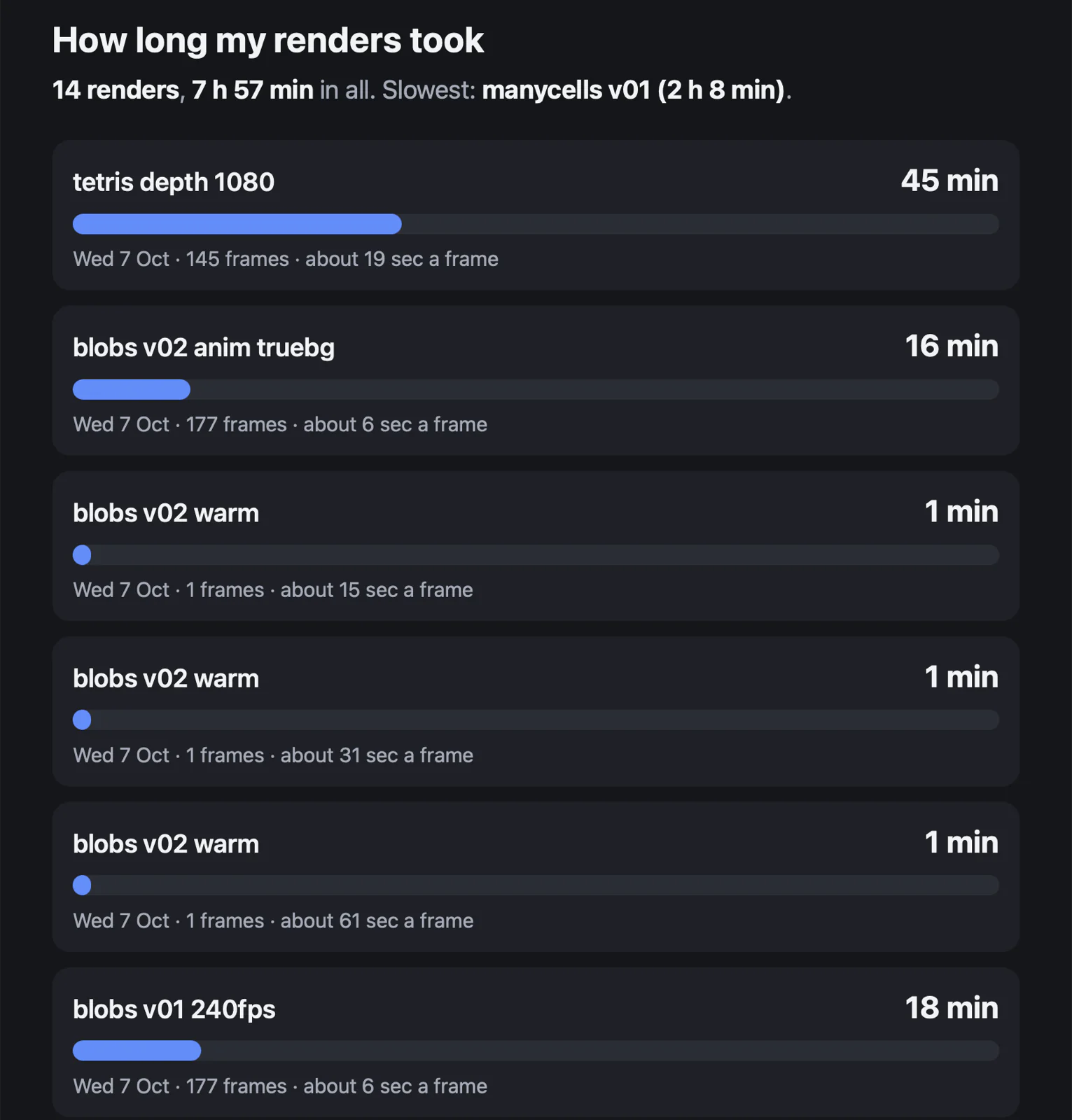
There was another catch with using a third party render solution. The issue was that, to use an external render manager such as Deadline (especially if you wanted to use Redshift across multiple machines with multiple Redshift GPU licences), Maxon insisted that you also needed an additional command-line renderer licence as well. That was an extra £400 on top of every single Redshift GPU render licence and a Maxon one licence.
MCP hasn't replaced the need for an external render farm such as Drop&Render in any way whatsoever. What it has done is enabled me to manage, through the Claude interface, all the boring stuff, such as take management, render settings, file naming and render file management.
Also, one of the key things about having this within my distributed system, which is managed across Tailscale, is that the Mac Mini also can send me emails about whatever I wish it to.
What I've done is I've tied in the render monitor to email me if there are any issues, because I might be out of the house, or working on something else. Having emails come in with alerts, I have found, as long as they're correctly formatted, is a great way to get notified about something that you can act on instantly, no matter where you are.
As I've said, MCP's killer feature for me with Cinema 4D (so far) is render management. I'm really interested to hear what your killer feature is?